In Windows:
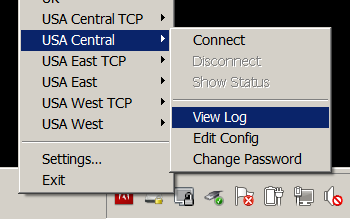
Right-click on the OpenVPN GUI icon in the system tray
Select ‘View Log’ for the connection you are using (the log will open up in a text file)
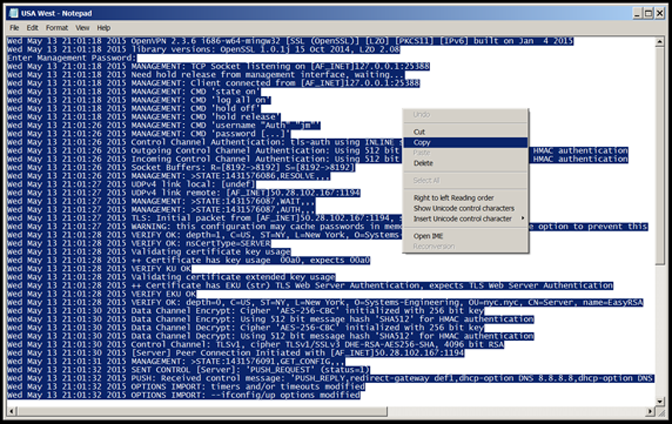
Hit the ‘Ctrl’ and ‘A’ keys (at the same time) to select the entire document
Then right click and select ‘Copy’.
Go to the email you are preparing and right click and select ‘Paste’.
For Mac using Tunnelblick:
Choose ‘details’ from the Tunnelblick menu on the top right after you have connected to us
Highlight the whole log and right-click to copy
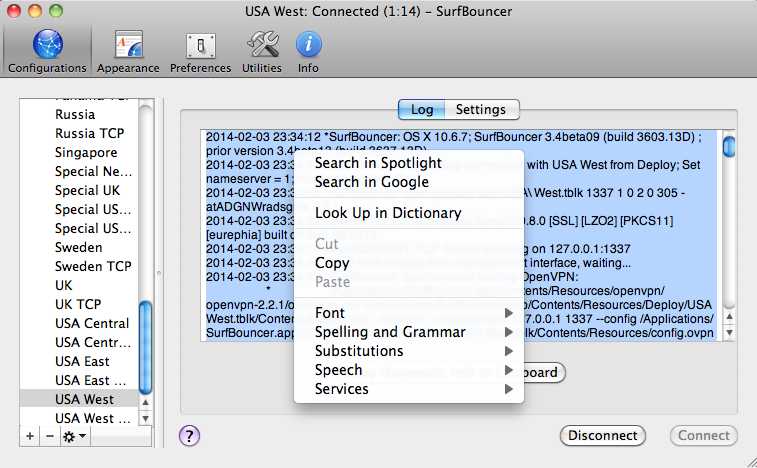
Paste into the return email