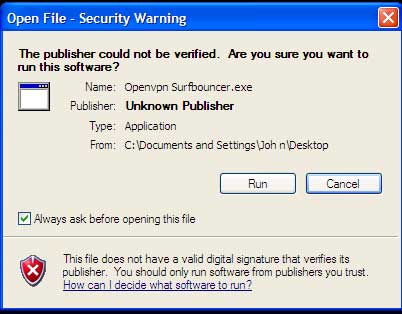
The OpenVPN software being installed is Open Source and widely available. It is used by numerous companies around the world as their VPN software. Because it is Open Source and free to use, it is not Microsoft verified.
Should you see the following warning, choose ‘Run’ and proceed
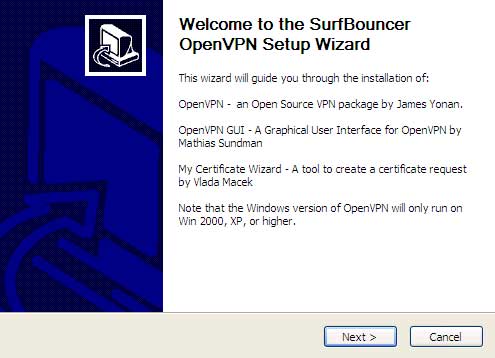
Click ‘Next’
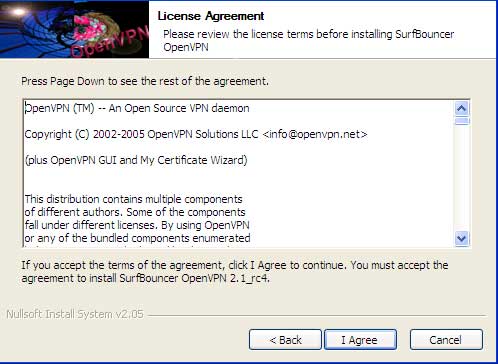
Agree to the terms of the Open Source license
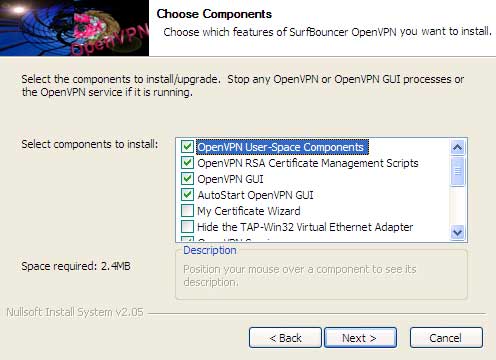
Keep the default components selected and click ‘Next’
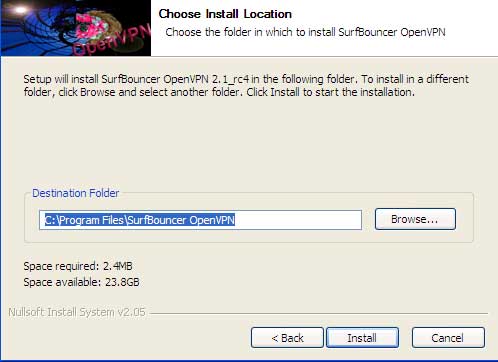
Keep the default install location so that future updates or configuration changes which we supply will install to the correct directory then click on ‘Install’
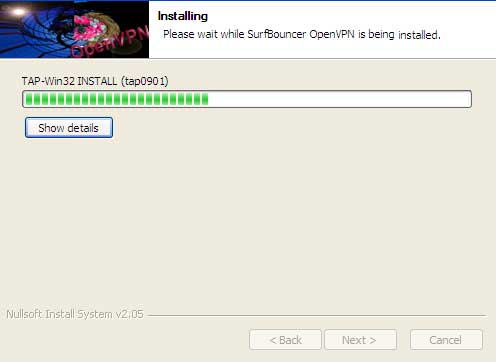
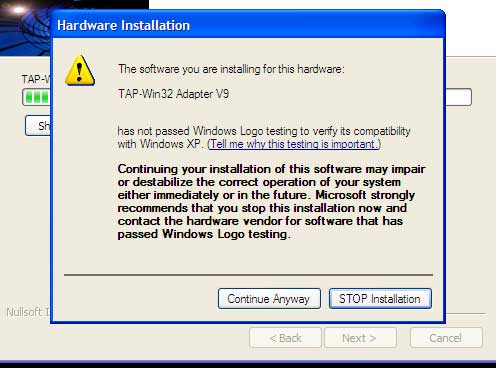
The installation of the TAP driver will usually cause Windows to ask if you want to install it
Select ‘Continue Anyway’
The TAP driver is part of the OpenVPN package and is required for the VPN to operate. Sometimes the ‘Hardware Installation’ screen opens behind the ‘Installing’ screen. If the installation seems like it has stopped and the ‘Hardware Installation’ screen has not appeared, move the ‘Installing’ screen over to get to the ‘Hardware Installation’ screen so you can click on the ‘Continue Anyway’ button to proceed
Click ‘Next’
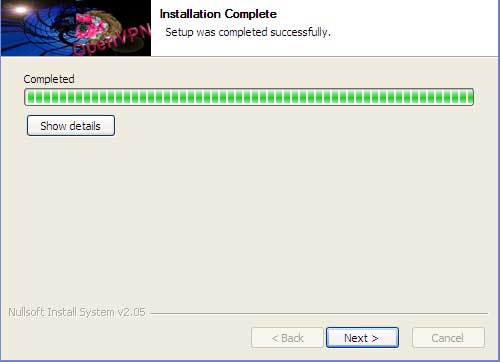
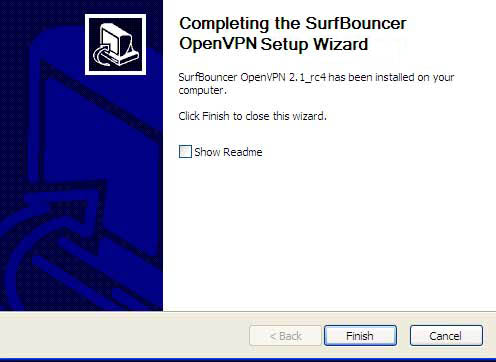
Installation is complete — click ‘Finish’ to wrap up